koobas.hobune.stream


After Effects Duik animation to Unity
My team and I are working on our first Unity project and are running into some issues transferring animations. We have a character rigged and animated in After Effects using Duik that we want to import into unity. We have looked into a few After Effects to Unity plugins but none of them seem to work with puppet animation, let alone Duik.
What we've tried:
Exporting a movie out of After Effects and using that as a texture
Exporting an image sequence and doing the same
Converting the image sequence into a sprite sheet and using that
Since we are still learning we weren't sure if any of these techniques was the best/most efficient way to go about this or if there was a different way altogether that we hadn't though of. Going straight from After Effects to Unity would be ideal. Our last resort is to re-animate the character in Maya and export an fbx.
Suggestions?


Hey @Tabunker,
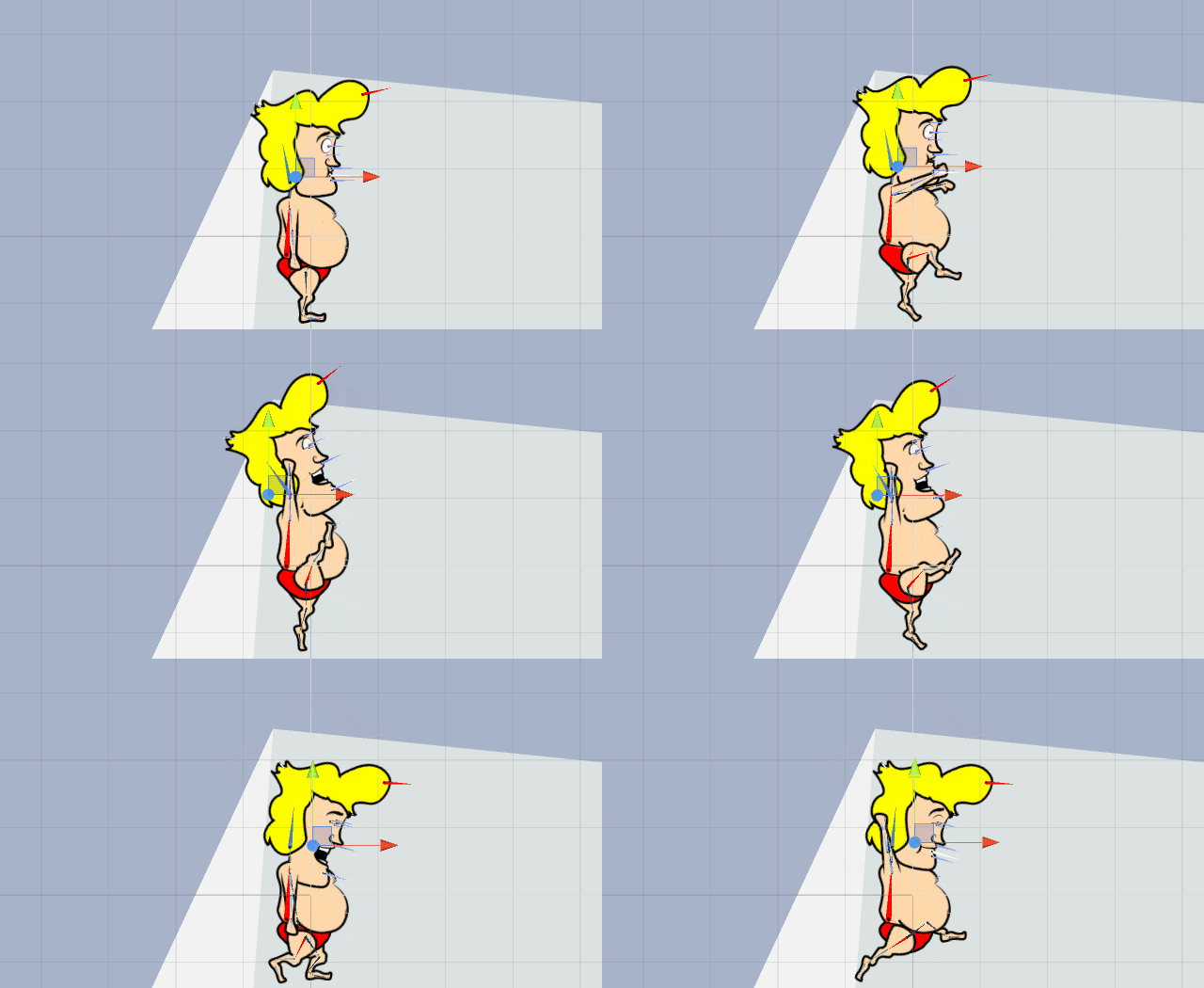
I ran into this issue after creating loads of different animations for our game Dangerous Diver. I love After Effects and was really familiar with DUIK. Being that this is our first game I didn't think to check into this beforehand. Because there is no way to import DUIK into Unity, I ended up importing a sequence of images. Because the animations had so many frames by the time we loaded them into Unity it was chugging hard. Dangerous Diver is a mobile game!!! If it's chugging my PC I reckon the mobile would have caught fire! Ha ha ha! Anyways, I decided, screw it I will start from scratch. I found a little plugin called anima2d at the time which had most of the functionality of DUIK. It was super easy to use and the support was great so I went with it. Since then anima2D was bought up by Unity and is now built in and totally free! Great news for us and them! I would cut now if you can and start recreating the animations, hopefully you aren't too far along! Here's a GIF of the character rig created with anima2D in Unity! Hope this helps! Good luck with the project!