Wayback Machinekoobas.hobune.stream
May JUN Jul
Previous capture 12 Next capture
2021 2022 2023
1 capture
12 Jun 22 - 12 Jun 22
sparklines
Close Help
  • Products
  • Solutions
  • Made with Unity
  • Learning
  • Support & Services
  • Community
  • Asset Store
  • Get Unity

UNITY ACCOUNT

You need a Unity Account to shop in the Online and Asset Stores, participate in the Unity Community and manage your license portfolio. Login Create account
  • Blog
  • Forums
  • Answers
  • Evangelists
  • User Groups
  • Beta Program
  • Advisory Panel

Navigation

  • Home
  • Products
  • Solutions
  • Made with Unity
  • Learning
  • Support & Services
  • Community
    • Blog
    • Forums
    • Answers
    • Evangelists
    • User Groups
    • Beta Program
    • Advisory Panel

Unity account

You need a Unity Account to shop in the Online and Asset Stores, participate in the Unity Community and manage your license portfolio. Login Create account

Language

  • Chinese
  • Spanish
  • Japanese
  • Korean
  • Portuguese
  • Ask a question
  • Spaces
    • Default
    • Help Room
    • META
    • Moderators
    • Topics
    • Questions
    • Users
    • Badges
  • Home /
avatar image
1
Question by h4xk · Jun 06, 2016 at 05:44 PM · terraingrassframerate drops

Massive framerate drops because of terrain

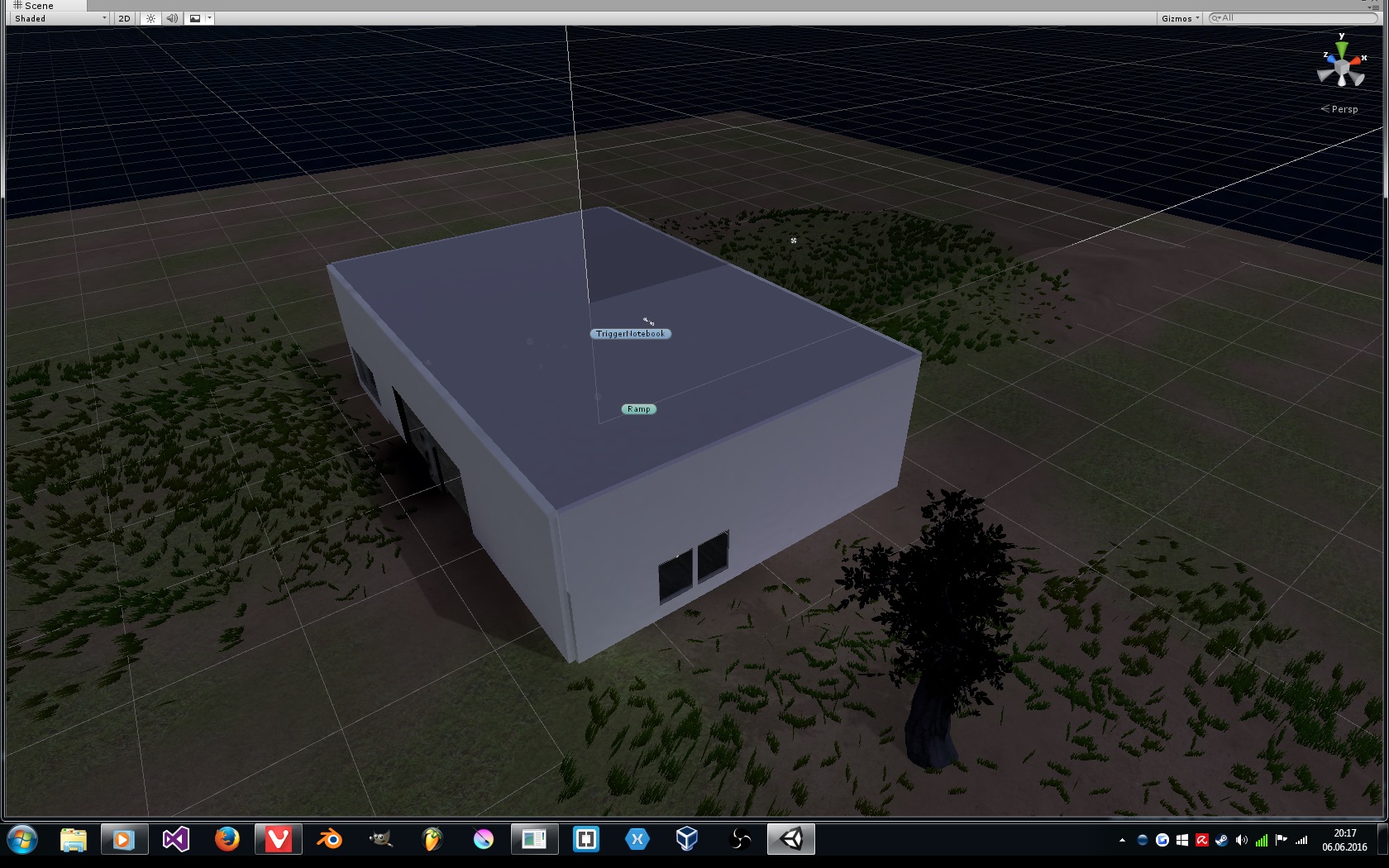
Hey, so since a time I'm doing a game for fun and to this point it all worked fine but there is a BIG issue now with the game and the issue is when i walk against a chair like you see in the video my framerate drops to ~10 fps and I think it's the terrain even if I don't know why but when I turn it off it all works fine and I don't have many details on the terrain I only have a bit of grass and I think it causes the issue especially .

Video: https://youtu.be/M_d0n8UVCzI

Settings Image: alt text
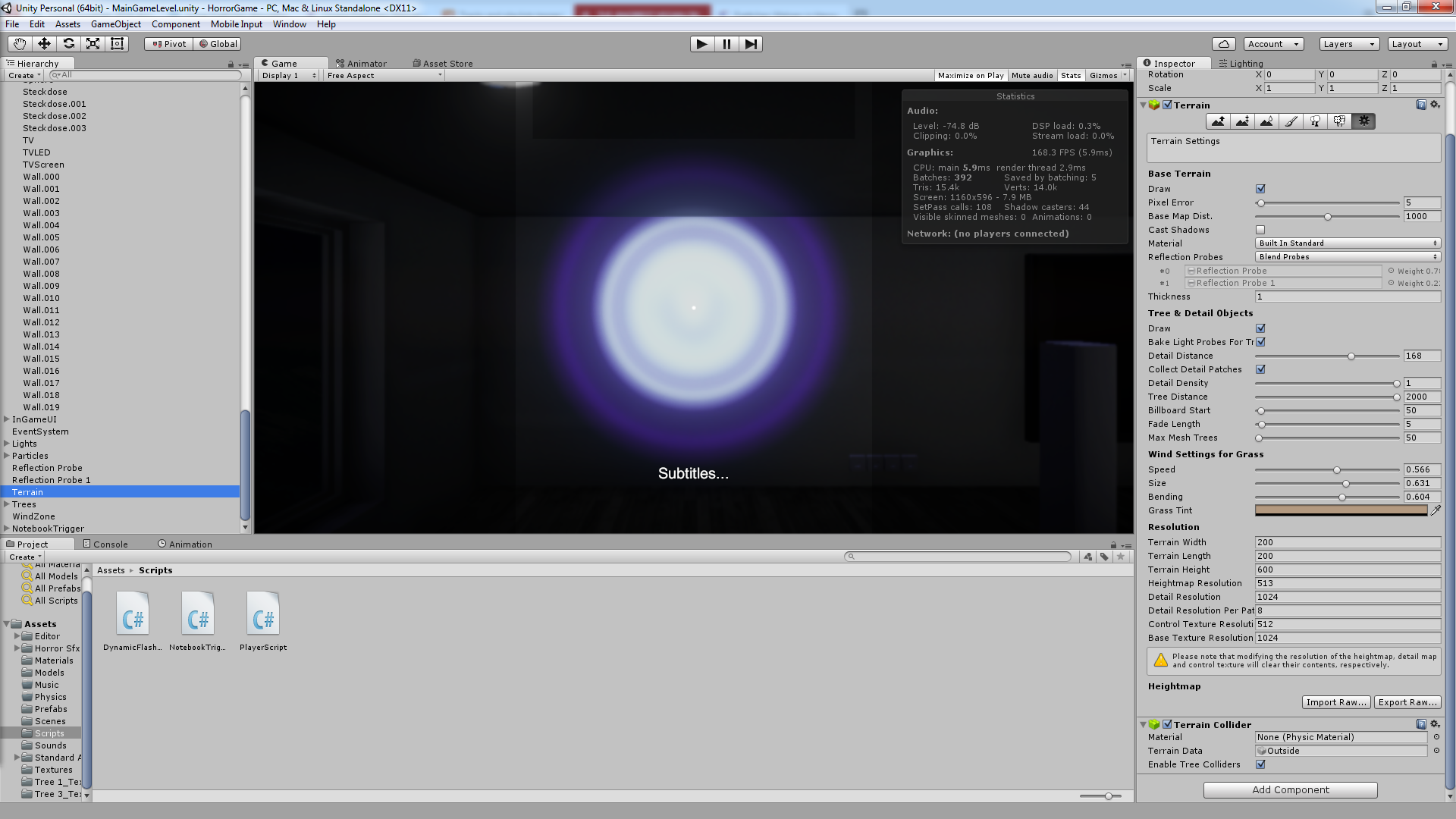
Terrain Image: alt text

Profiler Video: https://youtu.be/wrc4wnXlu0M

Thank You in advance! :D

terrainpic.jpg (517.2 kB)
terrainsetup.png (448.9 kB)
Comment
Add comment · Show 14
10 |3000 characters needed characters left characters exceeded
▼
  • Viewable by all users
  • Viewable by moderators
  • Viewable by moderators and the original poster
  • Advanced visibility
Viewable by all users
avatar image tanoshimi · Jun 06, 2016 at 05:57 PM 0
Share

Rather than guess that it's the terrain causing the framerate drop (can't see why it would be - I can't even see any terrain in that video), why not use the profiler to find out what's actually causing it? https://unity3d.com/learn/tutorials/topics/interface-essentials/introduction-profiler

avatar image h4xk tanoshimi · Jun 06, 2016 at 06:01 PM 0
Share

Yeah i saw it at the profiler too but it says it's a script error but except from the standart fps script from unity and 3 very small scripts that don't really have to do with it there isn't much there and they shouldn't be doing this because I used them in other projects too and they worked :D

avatar image Raresh h4xk · Jun 06, 2016 at 06:21 PM 1
Share

Still, can you record the profiler while you are doing this? It will point out the culprit in no time.

Show more comments
Show more comments
avatar image h4xk tanoshimi · Jun 06, 2016 at 07:05 PM 0
Share

Unfortunately I do not get any errors so I can't really say what it is and like I said when the terrain is off or at least the grass everything works perfectly but how is that possible when I got/saw other scenes with much much more grass and other stuff.

avatar image h4xk · Jun 06, 2016 at 07:11 PM 0
Share

Nope really the console is completely empty

2 Replies

· Add your reply
  • Sort: 
avatar image
1
Best Answer

Answer by Raresh · Jun 06, 2016 at 07:09 PM

I mean, the amount of grass i can see from the pictures won't be nearly enough to make a 960 sweat. I can tell that it's CPU bound, the profiler says it's the FixedUpdate(). Even if it's advised to put physics in FixedUpdate, can you move the code in Update()? And even if it still persists....are the objects you are hitting a kinematic rigidbody?

Comment
Add comment · Show 5 · Share
10 |3000 characters needed characters left characters exceeded
▼
  • Viewable by all users
  • Viewable by moderators
  • Viewable by moderators and the original poster
  • Advanced visibility
Viewable by all users
avatar image h4xk · Jun 06, 2016 at 07:18 PM 1
Share

1: I moved the code from FixedUpdate and it started working atleast I don't get any drops at that and any other places now.

2: Beside the character there aren't any objects yet that have a rigidbody applied.

And thank you atleast for that (not permanent) but good "fix"

But I honestly still don't understand it that well bcs it's a script made by unity and not really modified by me or someone else :D

avatar image Raresh h4xk · Jun 06, 2016 at 07:28 PM 0
Share

But do they have colliders? You shouldn't have a collider without a rigidbody. If you do, Unity will have to recalculate them each frame if you move them ( if they don't have a rigidbody they will be 'static').

http://answers.unity3d.com/questions/7671/guidelines-for-using-rigidbody-collider-characterc.html http://answers.unity3d.com/questions/275016/updatefixedupdate-motion-stutter-not-another-novic.html

avatar image h4xk Raresh · Jun 06, 2016 at 07:39 PM 0
Share

For now I wanted all objects to be static because the house is still in work so everythime I would change something I would have to setup all the rigidbodies again and again.

Or should I do apply a rigidbody to almost every Object?

And thank you for both pages.

Show more comments
avatar image h4xk · Jun 06, 2016 at 07:54 PM 1
Share

Okay Thank you very much for your help :DD

You saved my day ^^

Got now around 150 fps ins$$anonymous$$d of 60 - 70

avatar image
1

Answer by Nattygolden · Jun 13, 2016 at 03:15 AM

Just accidentally found this out today. The editor itself can lag a lot (especially in unity 5) but this can be easily fixed by going to Edit-> Preferences ->GI Cache -> Clear cache

Just like that mine went from 5fps to 40fps in play mode.

Comment
Add comment · Share
10 |3000 characters needed characters left characters exceeded
▼
  • Viewable by all users
  • Viewable by moderators
  • Viewable by moderators and the original poster
  • Advanced visibility
Viewable by all users

Your answer

Hint: You can notify a user about this post by typing @username

Up to 2 attachments (including images) can be used with a maximum of 524.3 kB each and 1.0 MB total.

Follow this Question

Answers Answers and Comments

4 People are following this question.

avatar image avatar image avatar image avatar image

Related Questions

Detail mesh pipeline 1 Answer

How to make lag free terrains 1 Answer

Why is my grass really dar? 0 Answers

Grass texture transparancy Terrain not working 0 Answers

Hello! I have a problem. How can I make a script to remove the grass when a cube is falling? 0 Answers


Enterprise
Social Q&A

Social
Subscribe on YouTube social-youtube Follow on LinkedIn social-linkedin Follow on Twitter social-twitter Follow on Facebook social-facebook Follow on Instagram social-instagram

Footer

  • Purchase
    • Products
    • Subscription
    • Asset Store
    • Unity Gear
    • Resellers
  • Education
    • Students
    • Educators
    • Certification
    • Learn
    • Center of Excellence
  • Download
    • Unity
    • Beta Program
  • Unity Labs
    • Labs
    • Publications
  • Resources
    • Learn platform
    • Community
    • Documentation
    • Unity QA
    • FAQ
    • Services Status
    • Connect
  • About Unity
    • About Us
    • Blog
    • Events
    • Careers
    • Contact
    • Press
    • Partners
    • Affiliates
    • Security
Copyright © 2020 Unity Technologies
  • Legal
  • Privacy Policy
  • Cookies
  • Do Not Sell My Personal Information
  • Cookies Settings
"Unity", Unity logos, and other Unity trademarks are trademarks or registered trademarks of Unity Technologies or its affiliates in the U.S. and elsewhere (more info here). Other names or brands are trademarks of their respective owners.
  • Anonymous
  • Sign in
  • Create
  • Ask a question
  • Spaces
  • Default
  • Help Room
  • META
  • Moderators
  • Explore
  • Topics
  • Questions
  • Users
  • Badges