
Wayback Machinekoobas.hobune.stream
May JUN Jul
Previous capture 12 Next capture
2021 2022 2023
1 capture
12 Jun 22 - 12 Jun 22
sparklines
Close Help
  • Products
  • Solutions
  • Made with Unity
  • Learning
  • Support & Services
  • Community
  • Asset Store
  • Get Unity

UNITY ACCOUNT

You need a Unity Account to shop in the Online and Asset Stores, participate in the Unity Community and manage your license portfolio. Login Create account
  • Blog
  • Forums
  • Answers
  • Evangelists
  • User Groups
  • Beta Program
  • Advisory Panel

Navigation

  • Home
  • Products
  • Solutions
  • Made with Unity
  • Learning
  • Support & Services
  • Community
    • Blog
    • Forums
    • Answers
    • Evangelists
    • User Groups
    • Beta Program
    • Advisory Panel

Unity account

You need a Unity Account to shop in the Online and Asset Stores, participate in the Unity Community and manage your license portfolio. Login Create account

Language

  • Chinese
  • Spanish
  • Japanese
  • Korean
  • Portuguese
  • Ask a question
  • Spaces
    • Default
    • Help Room
    • META
    • Moderators
    • Topics
    • Questions
    • Users
    • Badges
  • Home /
avatar image
0
Question by SaZCoR · Jul 23, 2019 at 06:39 PM · instantiateforcelinerendererdragdrag-and-drop

Line Direction

I am doing a minigolf game in 2D, and to control the force I have made a line with the LineRenderer, and when you hold down it points in which direction you are going to throw, and the force depending on how much you stretch the line, I have managed to do the mechanics of the impulse, but I don't get the ball to drive in the direction of the drag power line, can someone help me?

Comment
Add comment
10 |3000 characters needed characters left characters exceeded
▼
  • Viewable by all users
  • Viewable by moderators
  • Viewable by moderators and the original poster
  • Advanced visibility
Viewable by all users

1 Reply

· Add your reply
  • Sort: 
avatar image
0
Best Answer

Answer by Ossi101 · Jul 24, 2019 at 07:22 PM

To get the proper direction for shooting the ball you need to subtract the end position of the line from the starting point of the line and normalize the vector to get the x and y directions. You then keep updating this value as you drag your mouse around. I made a prototype of a golf shooting mechanic so you can see the entire thing put together.


This script is placed on the game object that has your LineRenderer:

 using UnityEngine;
 
 public class ShotLine : MonoBehaviour
 {
     public Rigidbody2D ball = null;
     public float force = 100.0f;
     public bool isStartAtMouse = false;
     public bool isLineVisible = false;
 
     private LineRenderer line = null;
     private Vector2 startPosition = Vector2.zero;
     private Vector2 endPosition = Vector2.zero;
     private Vector2 direction = Vector2.zero;
     private float power = 0.0f;
     private bool isShot = false;
 
     private void Awake()
     {
         line = GetComponent<LineRenderer>();
     }
 
     private void Update()
     {
         if (Input.GetMouseButtonDown(0))
         {
             if (isStartAtMouse == true)
             {
                 startPosition = Camera.main.ScreenToWorldPoint(Input.mousePosition);
                 line.SetPosition(0, startPosition);
             }
             else
             {
                 startPosition = ball.position;
                 line.SetPosition(0, startPosition);
             }
         }
 
         if (Input.GetMouseButton(0))
         {
             endPosition = Camera.main.ScreenToWorldPoint(Input.mousePosition);
             line.SetPosition(1, endPosition);
             direction = (endPosition - startPosition).normalized;
             power = Vector2.Distance(startPosition, endPosition);
         }
 
         if (Input.GetMouseButtonUp(0))
         {
             if (isLineVisible == false)
             {
                 line.SetPosition(0, Vector2.zero);
                 line.SetPosition(1, Vector2.zero);
             }
 
             isShot = true;
         }
     }
 
     private void FixedUpdate()
     {
         if (isShot == true)
         {
             ball.AddForce(direction * (power * force));
             isShot = false;
         }
     }
 }
 

There's some extra stuff in there, like if you want to toggle the visualization of the shot staying on screen or not. Also if you want to start the shot from anywhere on screen and not have it locked to the ball while maintaining the proper shooting direction. This demonstrates that it doesn't matter where you click and drag on the screen so long as you normalize the two vectors.


As for the ball game object itself it just has a Rigidbody2D with gravity scale set to 0 and a Circle Collider2D.


And here's the result of this code: alt text This is with the IsStartAtMouse option set to true:alt text
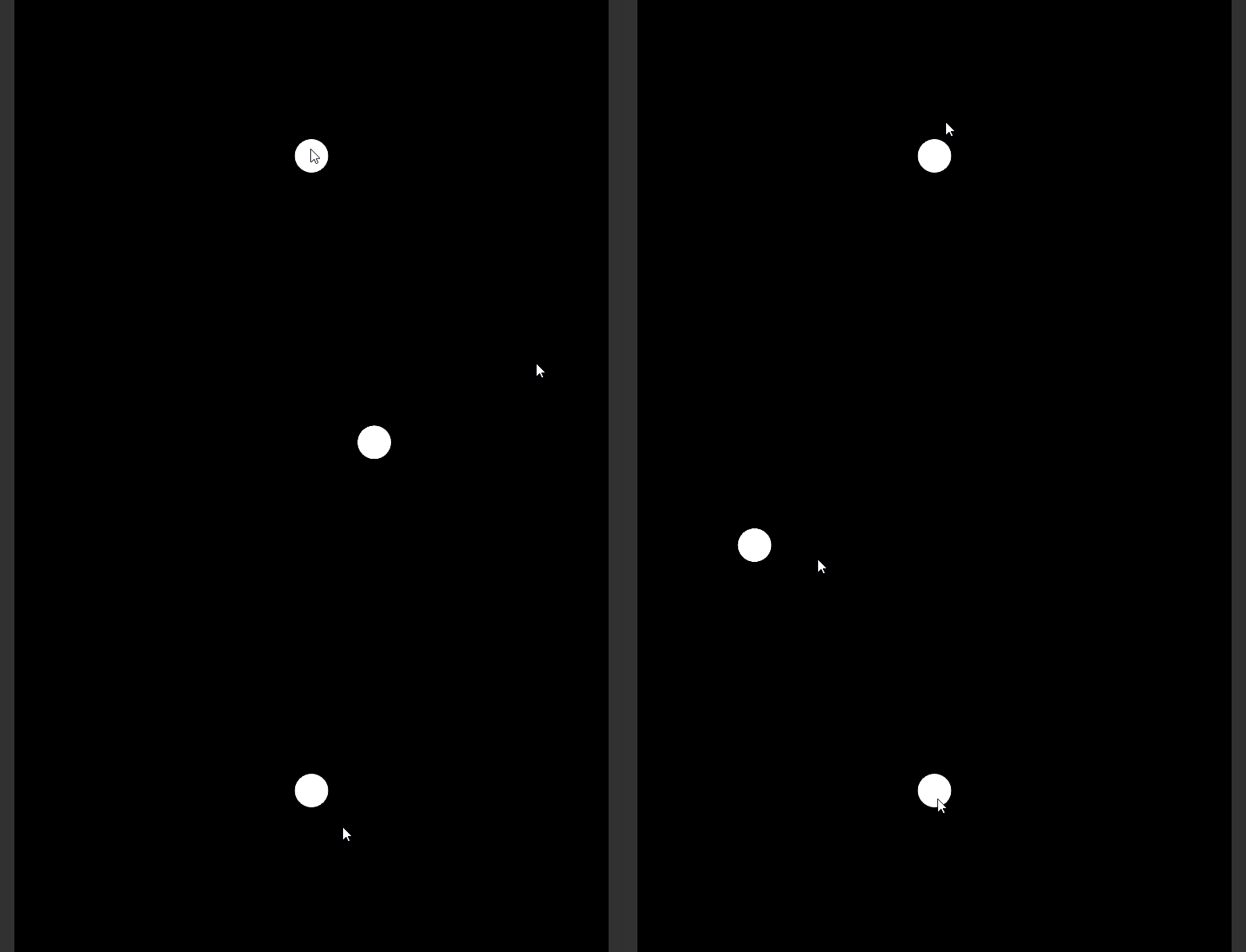
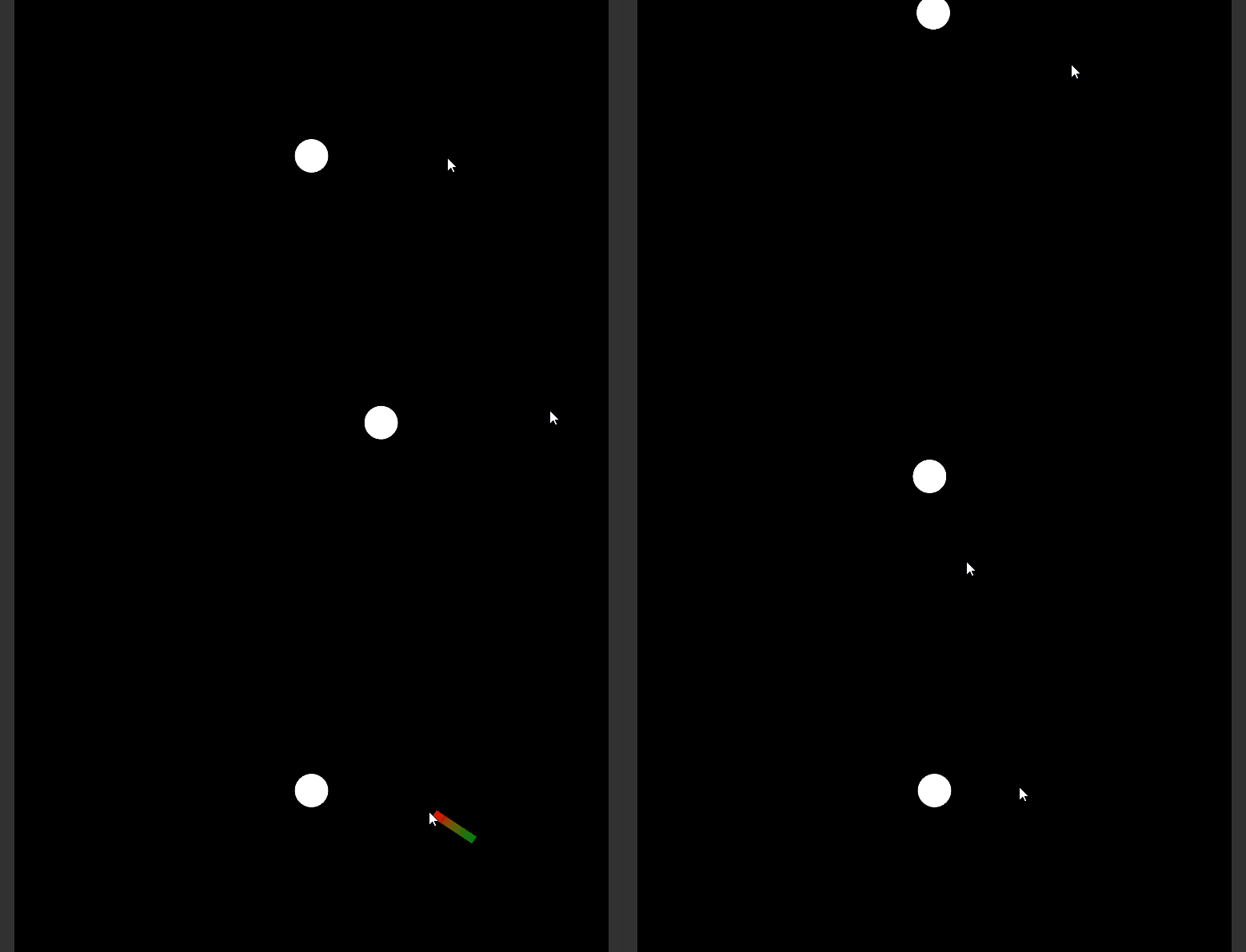
I hope this helps! Good luck!


golfshotlinerenderer.gif (291.9 kB)
golfshotlinerenderersstartmouse.gif (211.0 kB)
Comment
Add comment · Show 1 · Share
10 |3000 characters needed characters left characters exceeded
▼
  • Viewable by all users
  • Viewable by moderators
  • Viewable by moderators and the original poster
  • Advanced visibility
Viewable by all users
avatar image SaZCoR · Jul 27, 2019 at 12:12 PM 0
Share

Thank you so much!! I have been searching for this a lot!

Your answer

Hint: You can notify a user about this post by typing @username

Up to 2 attachments (including images) can be used with a maximum of 524.3 kB each and 1.0 MB total.

Follow this Question

Answers Answers and Comments

133 People are following this question.

avatar image avatar image avatar image avatar image avatar image avatar image avatar image avatar image avatar image avatar image avatar image avatar image avatar image avatar image avatar image avatar image avatar image avatar image avatar image avatar image avatar image avatar image avatar image avatar image avatar image avatar image avatar image avatar image avatar image avatar image avatar image avatar image avatar image avatar image avatar image avatar image avatar image avatar image avatar image avatar image avatar image avatar image avatar image avatar image avatar image avatar image avatar image avatar image avatar image avatar image avatar image avatar image avatar image avatar image avatar image avatar image avatar image avatar image avatar image avatar image avatar image avatar image avatar image avatar image avatar image avatar image avatar image avatar image avatar image avatar image avatar image avatar image avatar image avatar image avatar image avatar image avatar image avatar image avatar image avatar image avatar image avatar image avatar image avatar image avatar image avatar image avatar image avatar image avatar image avatar image avatar image avatar image avatar image avatar image avatar image avatar image avatar image avatar image avatar image avatar image avatar image avatar image avatar image avatar image avatar image avatar image avatar image avatar image avatar image avatar image avatar image avatar image avatar image avatar image avatar image avatar image avatar image avatar image avatar image avatar image avatar image avatar image avatar image avatar image avatar image avatar image avatar image avatar image avatar image avatar image avatar image avatar image avatar image

Related Questions

How to add random force/Rotation to bulletEject. 1 Answer

How do I mimic dragging and dropping a FBX to the hierarchy window with an editor script? C# 1 Answer

How do you spawn objects from UI ScrollView via drag? 0 Answers

LineRenderer not instantiating on iOS or Xcode, Works fine in editor and Unity Remote 0 Answers

Trajectory on mouse up 0 Answers


Enterprise
Social Q&A

Social
Subscribe on YouTube social-youtube Follow on LinkedIn social-linkedin Follow on Twitter social-twitter Follow on Facebook social-facebook Follow on Instagram social-instagram

Footer

  • Purchase
    • Products
    • Subscription
    • Asset Store
    • Unity Gear
    • Resellers
  • Education
    • Students
    • Educators
    • Certification
    • Learn
    • Center of Excellence
  • Download
    • Unity
    • Beta Program
  • Unity Labs
    • Labs
    • Publications
  • Resources
    • Learn platform
    • Community
    • Documentation
    • Unity QA
    • FAQ
    • Services Status
    • Connect
  • About Unity
    • About Us
    • Blog
    • Events
    • Careers
    • Contact
    • Press
    • Partners
    • Affiliates
    • Security
Copyright © 2020 Unity Technologies
  • Legal
  • Privacy Policy
  • Cookies
  • Do Not Sell My Personal Information
  • Cookies Settings
"Unity", Unity logos, and other Unity trademarks are trademarks or registered trademarks of Unity Technologies or its affiliates in the U.S. and elsewhere (more info here). Other names or brands are trademarks of their respective owners.
  • Anonymous
  • Sign in
  • Create
  • Ask a question
  • Spaces
  • Default
  • Help Room
  • META
  • Moderators
  • Explore
  • Topics
  • Questions
  • Users
  • Badges
