 koobas.hobune.stream


Center Texture2D
I'm trying to center an image by dividing the screen size by 2, theoretically should be centered. I do not understand why it is not correct. How do I centralize perfectly?
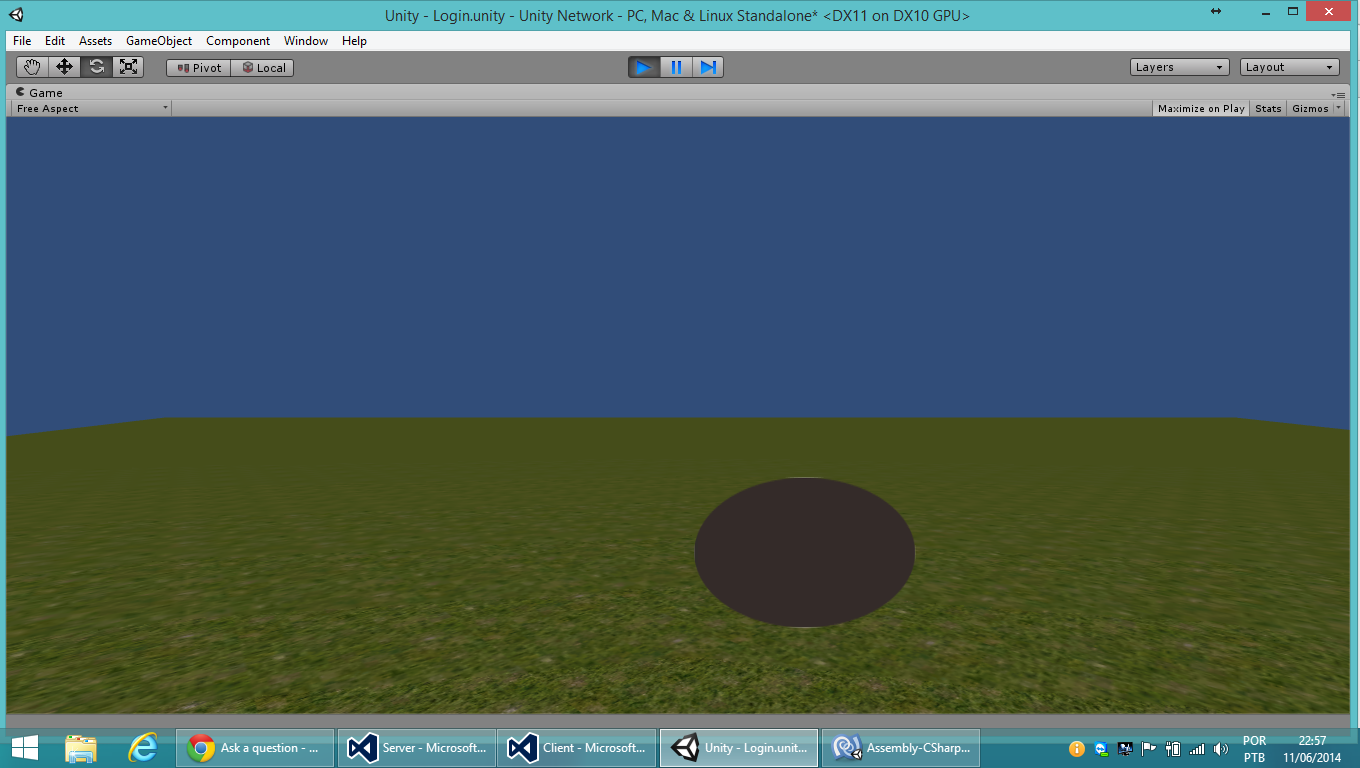
 public Texture2D logoLogin;

         void OnGUI()
         {
             GUI.DrawTexture(new Rect((Screen.width / 2), (Screen.height / 2),  logoLogin.width, logoLogin.height), logoLogin);
         }

When using DrawTexture, the Rect you supply is anchored in the upper left corner. So you can adjust the Rect like this:
 public Texture2D logoLogin;

 void OnGUI()
 {
     Rect rect = new Rect(0,0,logoLogin.width, logoLogin.height);
     rect.center = new Vector2(Screen.width / 2, Screen.height / 2);
     GUI.DrawTexture(rect, logoLogin);
 }



