 koobas.hobune.stream


Blacks are always drawn as gray on iOS (ARFoundation)
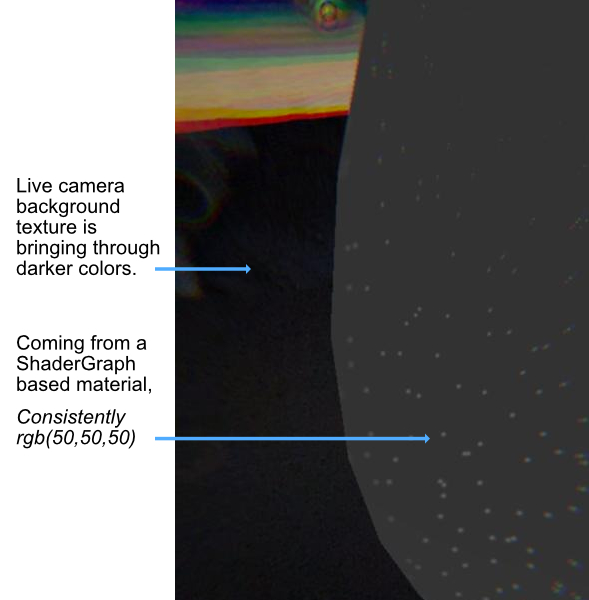
Even with unlit shaders, objects that are meant to display flat black are showing up as a dark gray across all the iOS devices I've tested (from iPhone 6s to 11). Very strange.
This is an ARFoundation + URP based app, where the AR setup isn't done until the second scene. In the first scene, the black appears as it should. Once we move into AR however, it seems impossible for me to achieve a true black. Android however is getting actual black... so it seems to be an iOS specific thing.
Again, this is true even with unlit shaders, so I'm not sure if the "Light Estimation" (Ambient Intensity/Ambient Color) enabled on the ARCameraManager would have any effect there.
At some point I changed from Linear to Gamma space since it appeared to at least give me a slightly darker gray. As for the Color Gamut settings, there are two options that I don't believe I ever touched: 1. sRGB 2. DisplayP3
Even with the AR based scene, darker blacks are coming through, but not through any added objects. Only through the camera background texture as shown here:
Any tips?!


