 koobas.hobune.stream


Mecanim layers blending
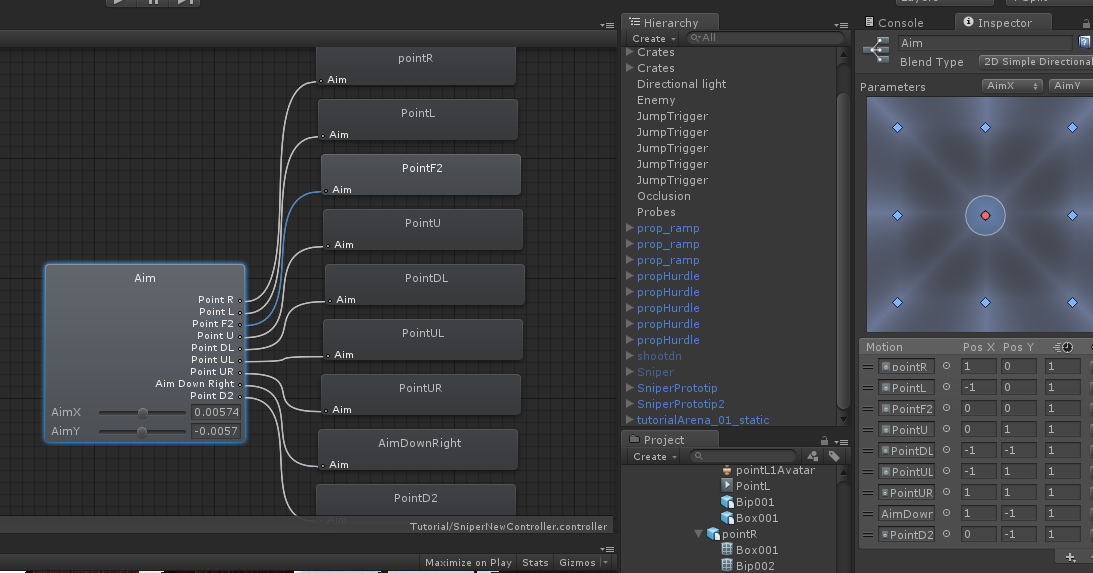
Hi there, I am using Unity 4.1.2f1 and working with Mecanim. What I'm trying to do is to realize weapon aiming with the help of 2D Blending. My current animator has a layer for LowerBody and a layer for UpperBody 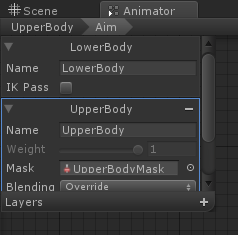 . LowerBody layer is responsive for basic locomotion: runnyng, jumping, etc. UpperBody layer is currently responsive for weapon aiming . Also, upper layer has a Body Mask (its configuration is shown on the screenshot
 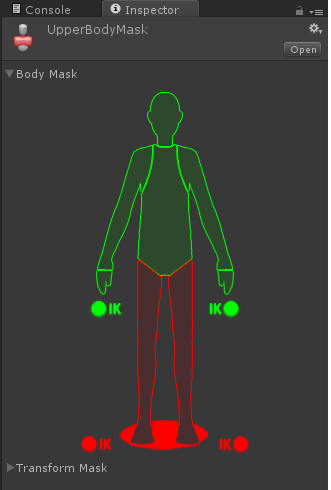 ). What I'm trying to acheive is that aiming with fixed parameters for 2D blending will give the same result in every locomotion state. But I've got a problem now: the aiming degree is different for different poses (because of the root bone rotation if I understand correctly). Does anybody know how to get this scheme to work? Any help would be appreciated, for me it's the question of life and death! Thanks in advance.

This is lower layer state machine 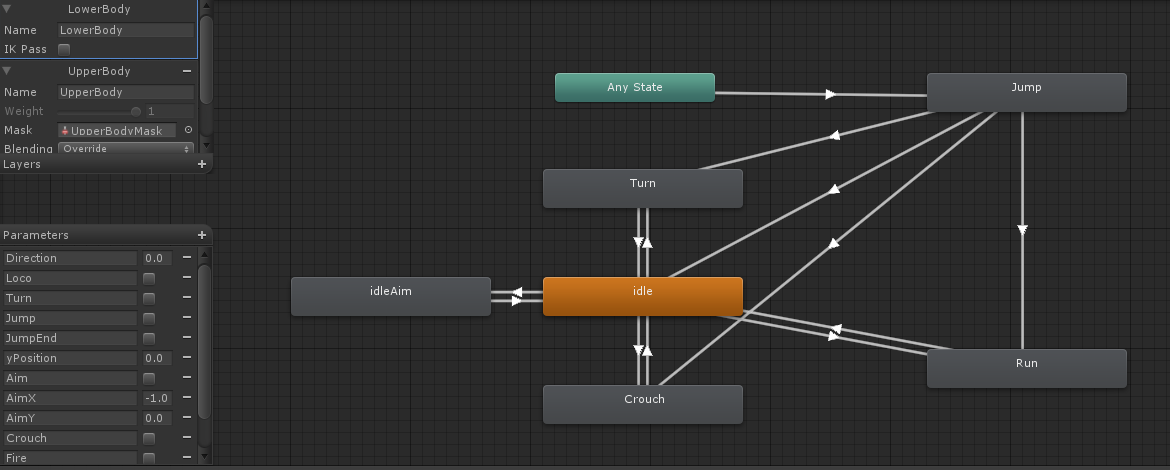 this is upeer layer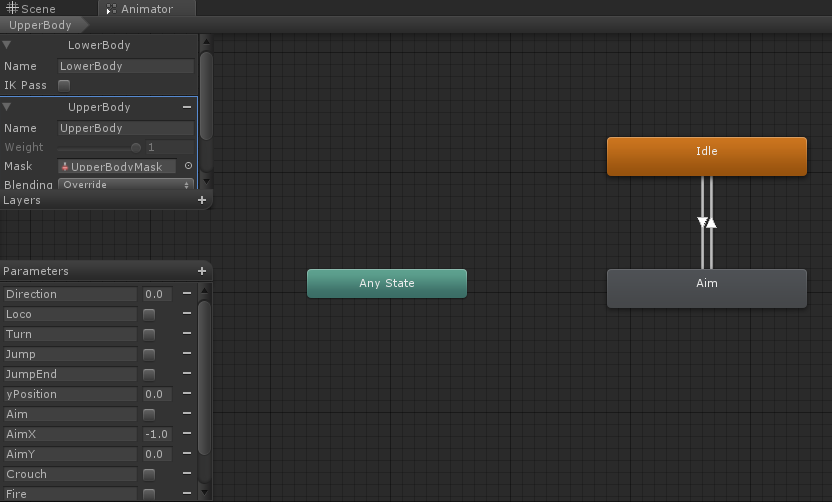

Can you show the animation import settings for one of the ai$$anonymous$$g animations? It might work if you set that to Bake into Pose and Original. It might force it to use the original orientation in the source animation file. Then again, it will probably just apply it to the spine rotation because of the upper body mask.
If you have Pro, you could use I$$anonymous$$ to fix up the aim direction in OnAnimatorI$$anonymous$$().
Thank you very much, TonyLi, you are always there to help me:) Here are my settings:  I think it doesn't work because it's the pose animation, not the movement. So when I check "Bake into pose" the rotation is already there. And what about the ik, can I somehow use it not to destroy my aimpose, just to make it a little bit more precise? I don't know much about ik and I afraid that it can ruin the realistic look of the pose. Am I wrong?
The link didn't come through.
If it's just a little bit of adjustment, I$$anonymous$$ should look fine.
Here's an idea. It's not ideal, but it might work. You could define two copies of each aim animation. Both copies would use the same Start and End frame numbers. But you could bake a rotation into the second copy that would counteract the pose rotation of the locomotion state that's causing trouble.
Then, when you're in that locomotion state, you could use the second copy of the aim animations. If you have Pro, you could do this with Sync Layers.
That's all I got. Hopefully someone else has some better ideas. :-)





