
Wayback Machinekoobas.hobune.stream
May JUN Jul
Previous capture 13 Next capture
2021 2022 2023
1 capture
13 Jun 22 - 13 Jun 22
sparklines
Close Help
  • Products
  • Solutions
  • Made with Unity
  • Learning
  • Support & Services
  • Community
  • Asset Store
  • Get Unity

UNITY ACCOUNT

You need a Unity Account to shop in the Online and Asset Stores, participate in the Unity Community and manage your license portfolio. Login Create account
  • Blog
  • Forums
  • Answers
  • Evangelists
  • User Groups
  • Beta Program
  • Advisory Panel

Navigation

  • Home
  • Products
  • Solutions
  • Made with Unity
  • Learning
  • Support & Services
  • Community
    • Blog
    • Forums
    • Answers
    • Evangelists
    • User Groups
    • Beta Program
    • Advisory Panel

Unity account

You need a Unity Account to shop in the Online and Asset Stores, participate in the Unity Community and manage your license portfolio. Login Create account

Language

  • Chinese
  • Spanish
  • Japanese
  • Korean
  • Portuguese
  • Ask a question
  • Spaces
    • Default
    • Help Room
    • META
    • Moderators
    • Topics
    • Questions
    • Users
    • Badges
  • Home /
avatar image
1
Question by HBS_JohnnyC · Apr 22, 2015 at 11:18 AM · packagestandard-assets

Can't find the Standard Asset Packages

A tutorial I'm following told me to import a physic package by going to
Assets -> Import -> Physic The problem is I don't even have a submenu.

The only option under import is
Assets -> Import -> Custom Package...
Which proceeds to lead me to an explorer to find a package I do not have on my computer (as far as I know). Looking up other tutorials including the document on the actually unity website itself refers to Import -> submenu which I don't have.
The only option seems to be to make my own physic material and try to emulate the physics used in the video, which has worked since it's relatively simple but if someone already made the package it seems silly to do it again.

How do I find the standard asset packages?
-- I am using Unity 5.01f1 Personal
-- The page that refers to the package submenu in question http://docs.unity3d.com/Manual/HOWTO-InstallStandardAssets.html

Comment
Add comment · Show 2
10 |3000 characters needed characters left characters exceeded
▼
  • Viewable by all users
  • Viewable by moderators
  • Viewable by moderators and the original poster
  • Advanced visibility
Viewable by all users
avatar image Nibbo1 · Feb 08, 2017 at 09:26 AM 0
Share

Hi there, followed these links and reinstalled the standard assets but the 'Scripts' section is missing. i.e $$anonymous$$ouseOrbit, SmoothFollow etc...; anyone know where I can install these from? Thanks

avatar image Nibbo1 · Feb 09, 2017 at 11:10 AM 0
Share

Hi thanks for the reply but unfortunately it does not really help.

In option 1 your screen shot does not have the 'Scripts' option either which is what i am looking for. I had already tried all of the other options that you have posted and cannot find the standard scripts anywhere. As per my first post, where can I download $$anonymous$$ouseOrbit, SmoothFollow and all of the other other standard scripts from? In the tutorial I was looking at the version was not mentioned but their 'Imports Package' sub-menu did have a Scripts entry. these are what I am after.

Thanks

4 Replies

· Add your reply
  • Sort: 
avatar image
8
Best Answer

Answer by DoTA_KAMIKADzE · Apr 22, 2015 at 12:15 PM

First of all standard packages in version 4 and 5 differ, so maybe your tutorial is for different version, if so ask exactly what you need.

Now that you know that^ I'll answer your question how to access them:

Option 1:

alt text

Option 2:

alt text

Option 3:

Navigate to your Unity Editor folder -> Open "Standard Packages" folder -> here they are.

P.S. If for some reason you don't have Standard Packages then go to download page (for personal version HERE) => select your platform in "PLATFORM" => Click on your platform dropdown menu under "ADDITIONAL DOWNLOADS" => select "Standard Assets" => download and install.

Comment
Add comment · Show 2 · Share
10 |3000 characters needed characters left characters exceeded
▼
  • Viewable by all users
  • Viewable by moderators
  • Viewable by moderators and the original poster
  • Advanced visibility
Viewable by all users
avatar image HBS_JohnnyC · Apr 22, 2015 at 02:48 PM 0
Share

Thanks, I had to download the standard assets from the install page. I wasn't aware that it didn't come with the editor.

avatar image Clown Happy · May 24, 2015 at 06:13 PM 0
Share

thank you so much

avatar image
3

Answer by Wolverine-X-man · May 23, 2020 at 01:44 PM

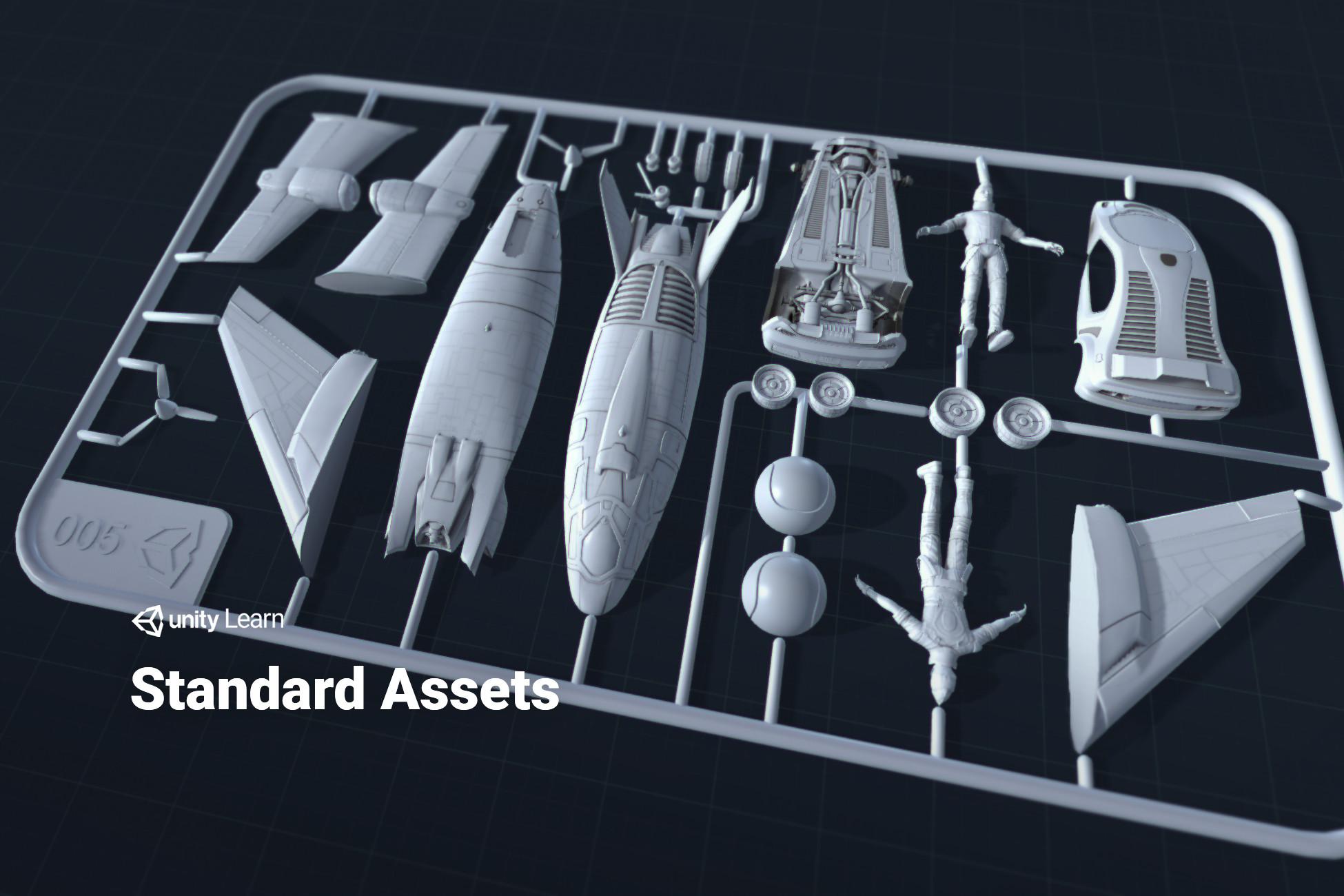
you just download Standard assets, that's it.........

https://assetstore.unity.com/packages/essentials/asset-packs/standard-assets-for-unity-2017-3-32351

your all missing assets are here
alt text

Comment
Add comment · Share
10 |3000 characters needed characters left characters exceeded
▼
  • Viewable by all users
  • Viewable by moderators
  • Viewable by moderators and the original poster
  • Advanced visibility
Viewable by all users
avatar image
-1

Answer by koushikyadav · Apr 01, 2017 at 07:31 AM

@HBS_JohnnyC The only thing you can do is wait till an update is available once it is available... You can download it... In process of installation, make sure you choose standard assets... After installation, it should work finely... Because this is what I did!!!

Comment
Add comment · Show 1 · Share
10 |3000 characters needed characters left characters exceeded
▼
  • Viewable by all users
  • Viewable by moderators
  • Viewable by moderators and the original poster
  • Advanced visibility
Viewable by all users
avatar image Breaking_Reality · Aug 21, 2018 at 12:04 AM 0
Share

@koushikyadav I downloaded the unity installer and standard assets dont show up as an ooption to install...

avatar image
0

Answer by GamerGirl89 · Oct 21, 2018 at 03:53 PM

go here for the newest unity versions

http://codeofcodehall.co.uk/unity/unity-3d-importing-the-missing-standard-assets/

Comment
Add comment · Share
10 |3000 characters needed characters left characters exceeded
▼
  • Viewable by all users
  • Viewable by moderators
  • Viewable by moderators and the original poster
  • Advanced visibility
Viewable by all users

Your answer

Hint: You can notify a user about this post by typing @username

Up to 2 attachments (including images) can be used with a maximum of 524.3 kB each and 1.0 MB total.

Follow this Question

Answers Answers and Comments

9 People are following this question.

avatar image avatar image avatar image avatar image avatar image avatar image avatar image avatar image avatar image

Related Questions

FPS Tutorial and how to load into Unity 1 Answer

Unity Engine script assemblies not accessible in my package 1 Answer

Package Manager is just grey. 2 Answers

Vuforia 10.4.4 doesnt appear to be importing 1 Answer

Why won't my assets import? 4 Answers


Enterprise
Social Q&A

Social
Subscribe on YouTube social-youtube Follow on LinkedIn social-linkedin Follow on Twitter social-twitter Follow on Facebook social-facebook Follow on Instagram social-instagram

Footer

  • Purchase
    • Products
    • Subscription
    • Asset Store
    • Unity Gear
    • Resellers
  • Education
    • Students
    • Educators
    • Certification
    • Learn
    • Center of Excellence
  • Download
    • Unity
    • Beta Program
  • Unity Labs
    • Labs
    • Publications
  • Resources
    • Learn platform
    • Community
    • Documentation
    • Unity QA
    • FAQ
    • Services Status
    • Connect
  • About Unity
    • About Us
    • Blog
    • Events
    • Careers
    • Contact
    • Press
    • Partners
    • Affiliates
    • Security
Copyright © 2020 Unity Technologies
  • Legal
  • Privacy Policy
  • Cookies
  • Do Not Sell My Personal Information
  • Cookies Settings
"Unity", Unity logos, and other Unity trademarks are trademarks or registered trademarks of Unity Technologies or its affiliates in the U.S. and elsewhere (more info here). Other names or brands are trademarks of their respective owners.
  • Anonymous
  • Sign in
  • Create
  • Ask a question
  • Spaces
  • Default
  • Help Room
  • META
  • Moderators
  • Explore
  • Topics
  • Questions
  • Users
  • Badges