 koobas.hobune.stream


hi guys, i need help
I'm trying to create a AI for my 3d game, however after my AI dead i want it to disappear but i don't know how to do it. I'm using Destroy method but i don't know why it not disappear at all, so plz help this is my code that I got so far 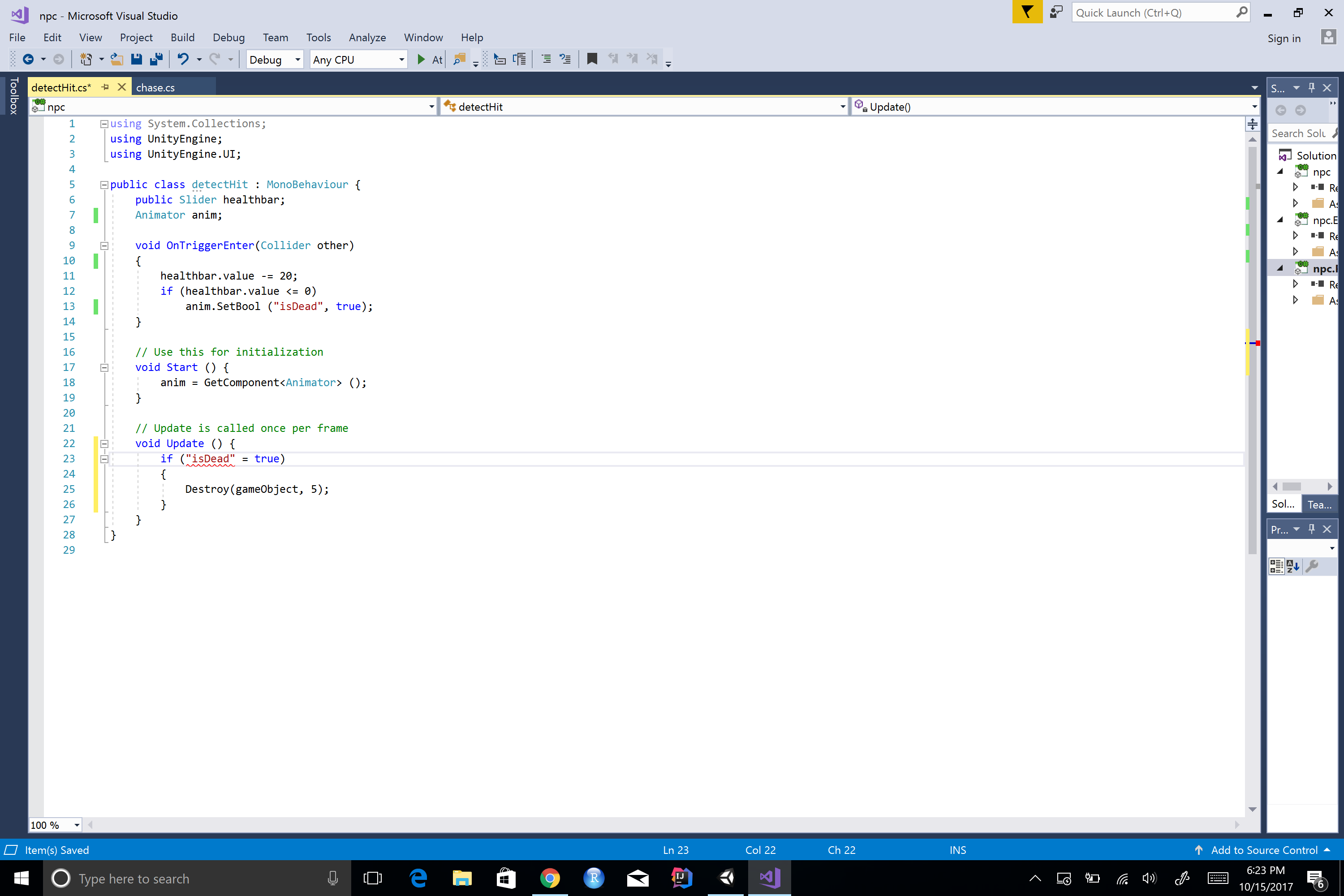
 using System.Collections;
 using UnityEngine;
 using UnityEngine.UI;

 public class detectHit : MonoBehaviour {
     public Slider healthbar;
     Animator anim;

     void OnTriggerEnter(Collider other)
     {
         healthbar.value -= 20;
         if (healthbar.value <= 0)
             anim.SetBool ("isDead", true);
     }

     // Use this for initialization
     void Start () {
         anim = GetComponent<Animator> ();
     }

     // Update is called once per frame
     void Update () {
         if ("isDead" = true)
         {
             Destroy(gameObject, 5);
         }
     }
 }

when you post code please use "the code sample" button. its the icon with the 0's and 1's above where you type your question. this way folks here can quickly copy, edit and paste back to you!!!

sorry about that! thanks for letting me know

i added a line so you can see if you are getting your trigger in the console. this should work
 using System.Collections;
 using UnityEngine;
 using UnityEngine.UI;

 public class detectHit : MonoBehaviour {
     public Slider healthbar;
     Animator anim;
     bool isdead;

     void OnTriggerEnter(Collider other)
     {healthbar.value -= 20;
         print ("health is " + healthbar.value);
         if (healthbar.value <= 0) {
             anim.SetBool ("isDead", true);
             if(!isdead){isdead=true;
                 Destroy(gameObject, 5);}
         }}

     void Start () {
         anim = GetComponent<Animator> ();
     }

 }
thanks bro! it running perfect.. can i ask you one more thing? after my character dead i don't know why my AI keep attacking me. Do you have any idea how to stop it?
post your AI script. i have a $$anonymous$$ute to take a look.
 using System.Collections;
 using System.Collections.Generic;
 using UnityEngine;
 using UnityEngine.UI;

 public class chase : $$anonymous$$onoBehaviour {
     public Transform player;
     static Animator anim;
     public Slider healthbar;

     // Use this for initialization
     void Start () {
         anim = GetComponent<Animator> ();
     }

     // Update is called once per frame
     void Update () {
         if (healthbar.value <= 0) return;
         Vector3 direction = player.position - this.transform.position;
         float angle = Vector3.Angle (direction, this.transform.forward);
         if (Vector3.Distance (player.position, this.transform.position) < 10 && angle < 30) {
             direction.y = 0;
             this.transform.rotation = Quaternion.Slerp (this.transform.rotation, Quaternion.LookRotation (direction), 0.1f);
             anim.SetBool ("isIdle", false);
             if (direction.magnitude > 2) {
                 this.transform.Translate (0, 0, 0.01f);
                 anim.SetBool ("isWalking", true);
                 anim.SetBool ("isAttacking", false);
             } else {
                 anim.SetBool ("isAttacking", true);
                 anim.SetBool ("isWalking", false);
             }
         } else {
             anim.SetBool ("isIdle", true);
             anim.SetBool ("isWalking", false);
             anim.SetBool ("isAttacking", false);
         }
     }
 }
thanks bro


