 koobas.hobune.stream


UI - How do I set the anchors to align left and right images when resized?
Consider the following layout. 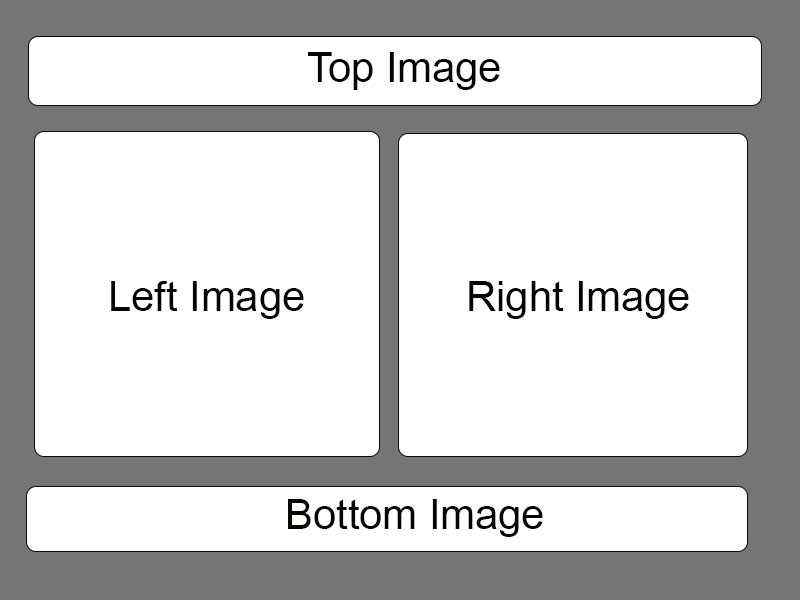
What I want to do is keep this layout looking proportionally the same no matter how it is resized. I'm very new to Unity UI and can't quite figure out the best way to do that.
The biggest challenge in this for me are the left/right images. I can anchor them to the left and right edges respectively, which is fine, but they grow farther and farther apart from each other as the UI grows in width. In other words, I want to avoid doing these things, and have it look correct in all cases. 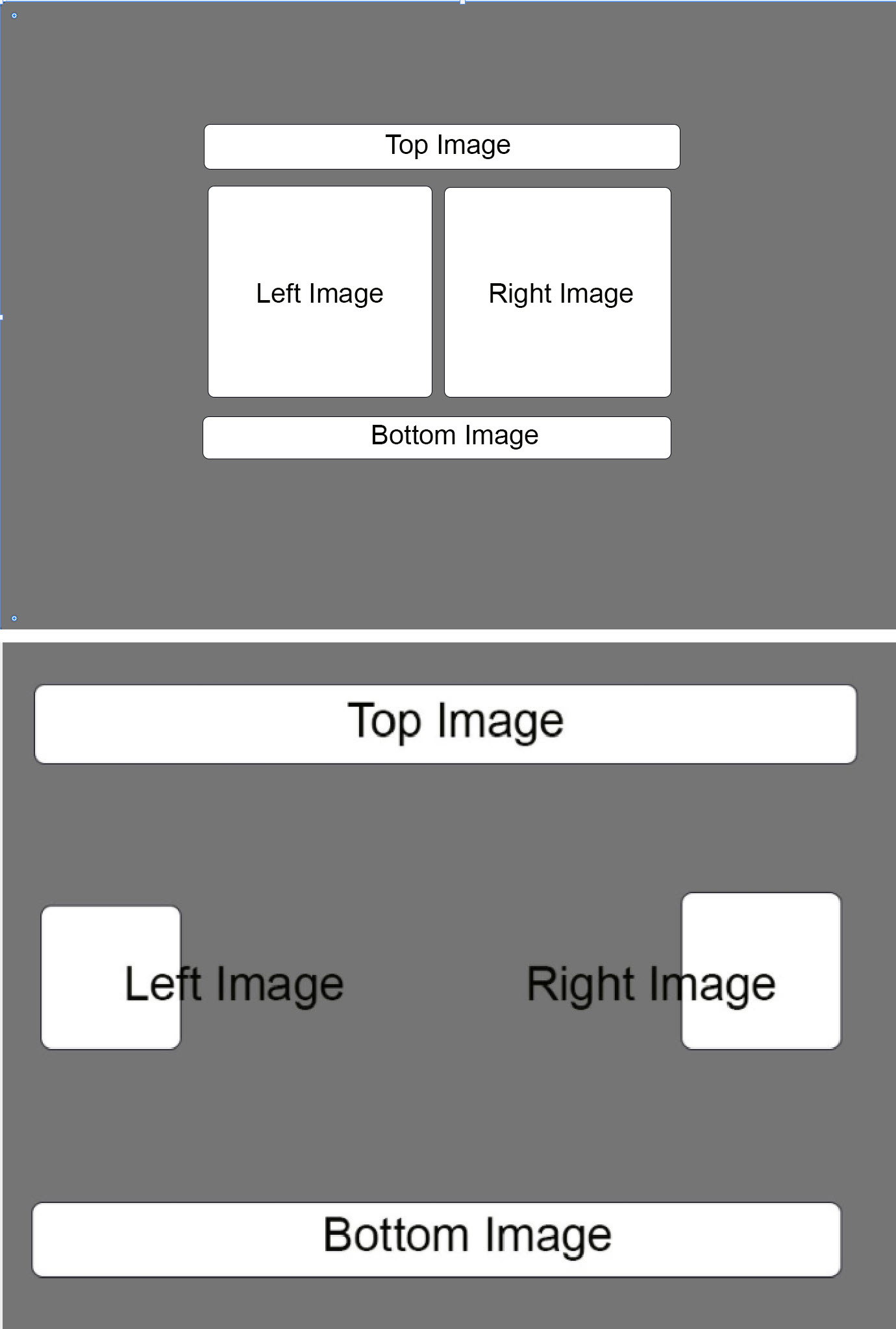 Can I achieve this using anchors? If not, how?

Click the UI element you wish to anchor and then see the screenshot:
*While pressing down the alt key, click on the alignment you want.
If you don't press alt it wouldn't be best results.




