koobas.hobune.stream


Why does my realtime point light produce this uneven lighting / directional darkness?
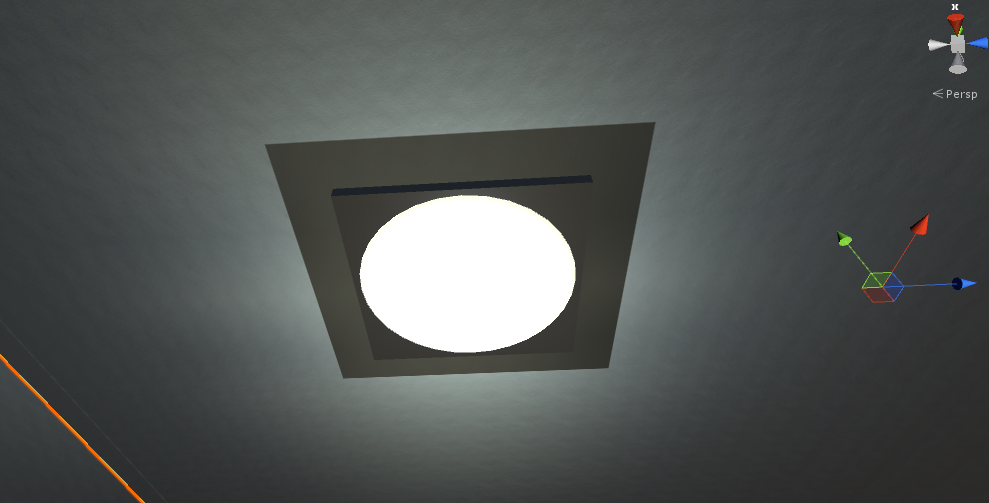
There is a "directional darkness" around my roof-mounted point lights.
- Rotating the roof cube (yes, the roof is, in this case, just a primitive cube) the directional darkness rotates with the roof cube.
-
If I make the light bake, it looks perfect (my current solution).
(Baking helped on one light..)
- If I set the light to render as non-important, it provides pretty much no lighting whatsoever.
I'm unable to find anything else that has any effect on this directional darkness.
Why this directional darkness?
What if I wanted to use a realtime light near the roof, without this directional darkness?
This image shows what I'm talking about
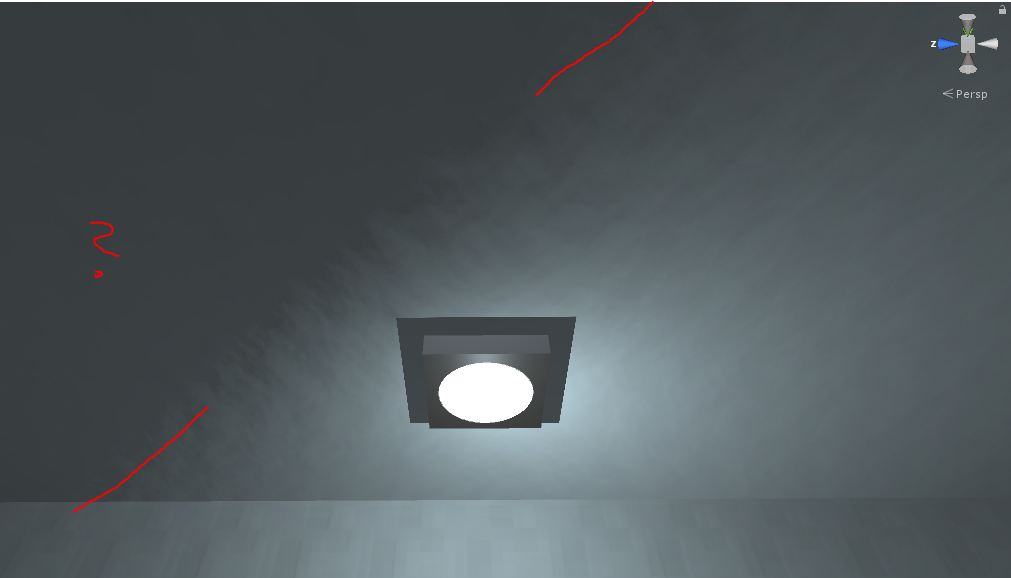
Ok, after getting desperate and fiddling with every knob and switch, I have finally found the source of this weirdness.
I was using a malformed normal map. Looking at it now, the normal map seems off-color, which may be due to some left-over filter from some software I used when creating the normal map myself. The filters being intended for the source texture, and I accidentally the filters on the normal map.
Using a proper normal map leaves me with a predictable, even lighting on this surface. Fixed: