 koobas.hobune.stream


Unity 2019.3 hdrp no colors
Hello Community,
I just installed Unity 2019.3 and created a new Scene in which I placed an object with default materials. (They all have colors) However in the scene the colors won't show up. Only a grey/blueish tone is rendered. If I place the Object in the Sample Scene, the colors will show up though. What am I missing?
Screenshot: 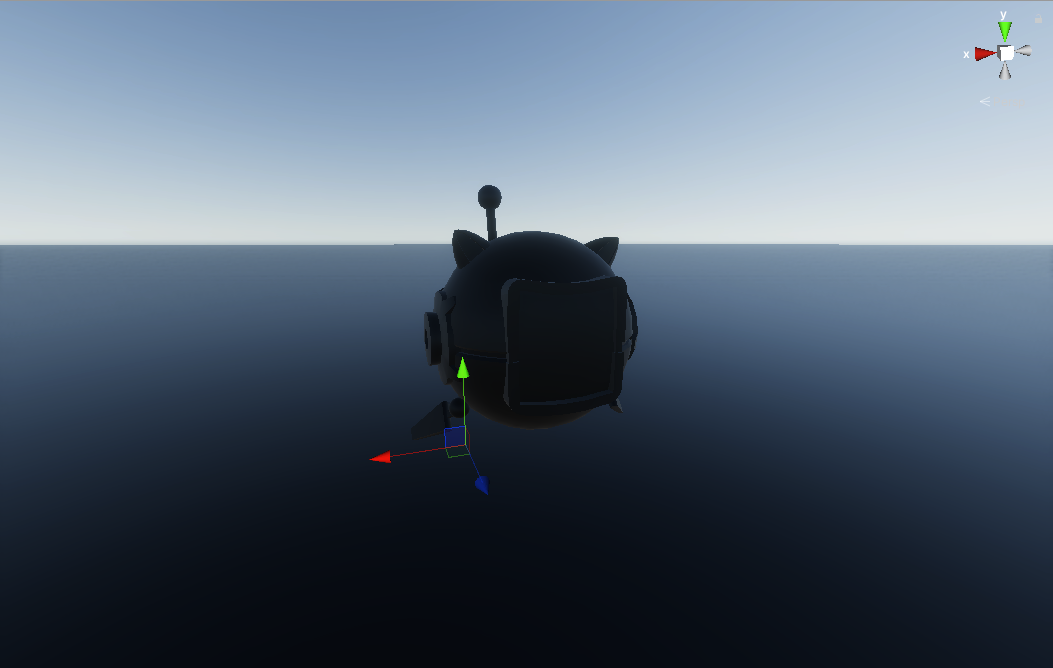

I have had the same issue lately so i increased the light intensity in light settings to 1000 or 10000 to see the colors. Although it might lag since hdrp requires a lot of gpu.



