 koobas.hobune.stream


TilemapCollider2d doesn't work when tilemap is initiated in runtime
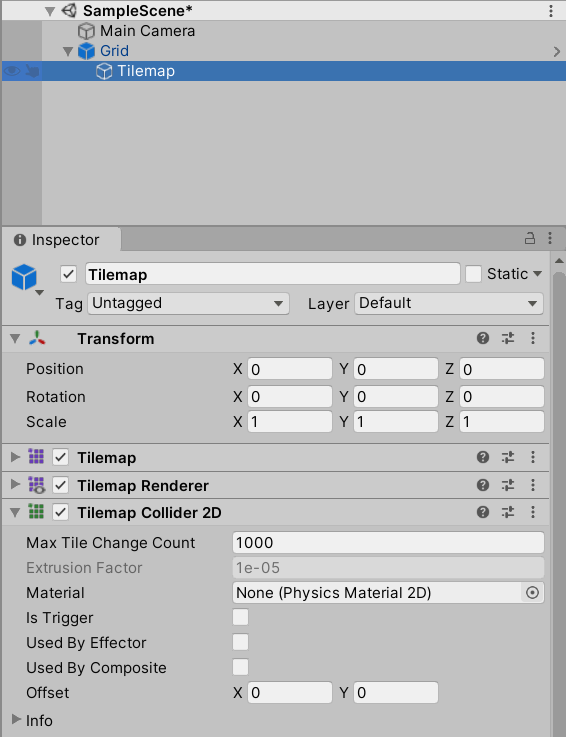
I have a prefab consisting of a GameObject with a Grid component and a child GameObject with Tilemap, TilemapRenderer and TilemapCollider2D components. On this Tilemap are several tiles with rectangular shapes.
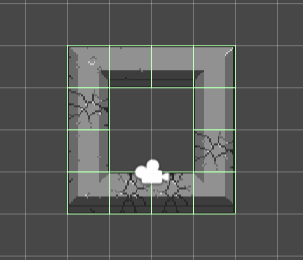
When I drag this Grid prefab into the game the tiles have collider shapes as expected:
However if I spawn this same prefab in runtime with Instantiate(GridPrefab) there are no collider shapes generated!
This all works in Unity 2019.2, but neither in Unity 2019.4 nor 2020.1. I am using custom tiles derived from Tilemap.BaseTile (also tried Tilemap.Tile). Looks like something has changed from 2019.2 to 2019.4 with the BaseTile, Tile or tilemapCollider2D that breaks this. If I just create a normal Tile and try the same thing with that it works.
So, it seems like the problem resulted from upgrading Unity (as is custom). What I needed to do was:
Drag the prefabs with tilemapCollider2d into the game view in editor mode
Go to the tilemapCollider2D components
Click on the ... menu in the top right corner of each component
Click on reset
Overwrite the changes for the prefab
Then it would work when instantiated in runtime again. Apparently something changed with the colliders since 2019.2 and the need to be reset manually, to properly update, when imported. Keep in mind that opening the prefabs directly and resetting the colliders there did not work. I had to drag them in the game and override to make it work.




