 koobas.hobune.stream


Character Controller collider is not staying synced to player movement with oculus
So I have a player set up as this:
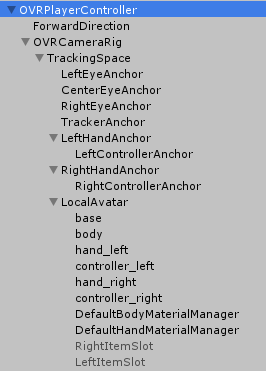
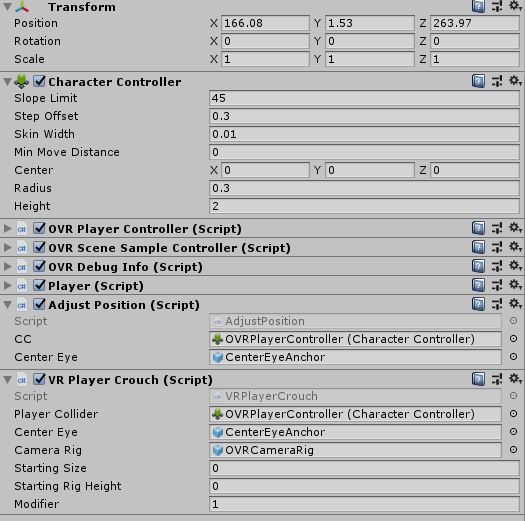
My player can move around, but when we turn with the stick on the left controller we see desync between the OVR camera rig and the player as seen here:
https://gyazo.com/5277c2cabc4096f8f356b18fdf0c6c2f https://gyazo.com/edd60c0fe5fe7cfcfa0efe82f4f28a3d
I do have some code to move the center portion of the collider to the center camera position, but I can't figure out why we get this offset. It does affect gameplay in you will walk into things before it seems like you are even there and I don't know a good way to fix this the code I use to keep things synced as well as I can is:
 using System.Collections;
 using System.Collections.Generic;
 using UnityEngine;

 public class AdjustPosition : MonoBehaviour
 {
     public CharacterController CC;
     public GameObject centerEye;
     // Use this for initialization
     void Start()
     {

     }

     // Update is called once per frame
     void Update()
     {
         CC.center = centerEye.transform.localPosition;
     }
 }

Hi! Did you find a solution? Same thing is happening to me




