 koobas.hobune.stream


Localization don't work with the russian text, only english
I make a localization for my game on Unity3d. I have a text file with russian text and file with the same english text. When I try to display rusian text, I can't see it in the game, but english text I can see (if replace russian text to english on the same string). Why is it happens? 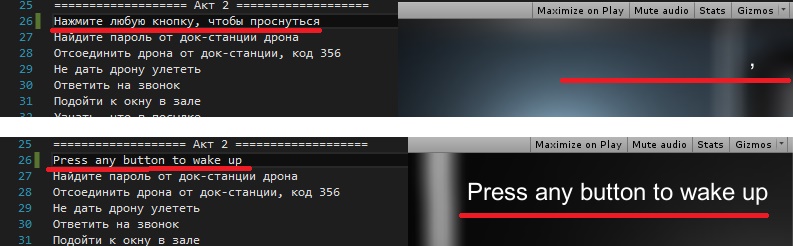
 //===== script 'LoadTextFromFile ' ======

     public TextAsset textFileButtonsEng;
     public TextAsset textFileButtonsRus;

     private string[] dialogLinesButtonsEng;
     private string[] dialogLinesButtonsRus;

     private int curentLanguageIndex = 1;

    void Start()
     {
         // if file exists
         if (textFileButtonsEng && textFileButtonsRus)
         {
             dialogLinesButtonsEng = (textFileButtonsEng.text.Split("\n"[0]));
             dialogLinesButtonsRus = (textFileButtonsRus.text.Split("\n"[0]));
         }
     }

     public string GetLineOfText(string fileName, int lineNumber)
     {
         switch (fileName)
         {
             case "tasks":
                 if (curentLanguageIndex == 0)
                     return dialogLinesTasksEng[lineNumber];
                 else if (curentLanguageIndex == 1)
                     return dialogLinesTasksRus[lineNumber]; break;
         }


 //========== other script ==========

 public Text textTipsTasksComponent;
 public LoadTextFromFile loadTextFromFile;
 textTipsTasksComponent.text = loadTextFromFile.GetLineOfText("tasks", 25);
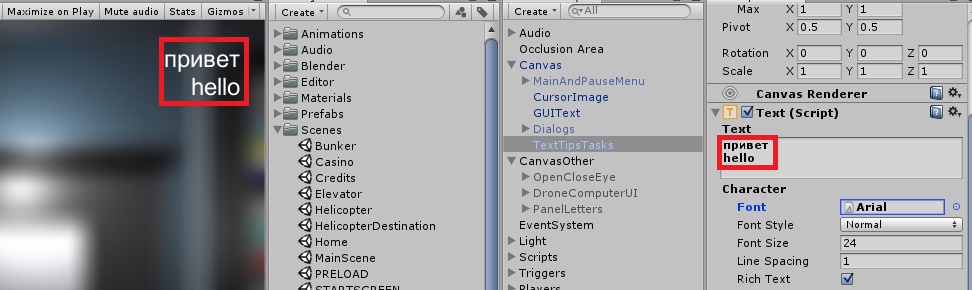
It is Arial font and I can see russian text when type it by myself like on the screenshot below.

You can do this: 1- open txt in Visual Studio. 2 - do File->Advanced Save Options. 3 - Encoding -> UTF8. 4 - Line Ending -> CR LF. 5 - Save file.
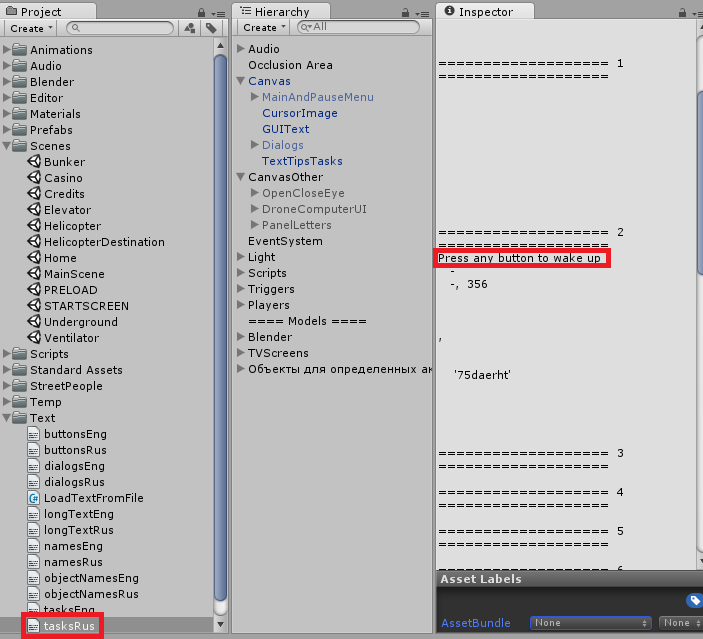
... but in the inspector I can see only english text

Are you reading the file with the proper encoding options?
I guess you are doing a File.ReadAllLines("path") somewhere with no or the wrong encoding.
https://msdn.microsoft.com/en-us/library/bsy4fhsa(v=vs.90).aspx
https://msdn.microsoft.com/en-us/library/system.text.encoding(v=vs.90).aspx





