 koobas.hobune.stream


Everything other than the Scene and Game window go black upon pressing Play
How it is like before pressing play (the play arrow):
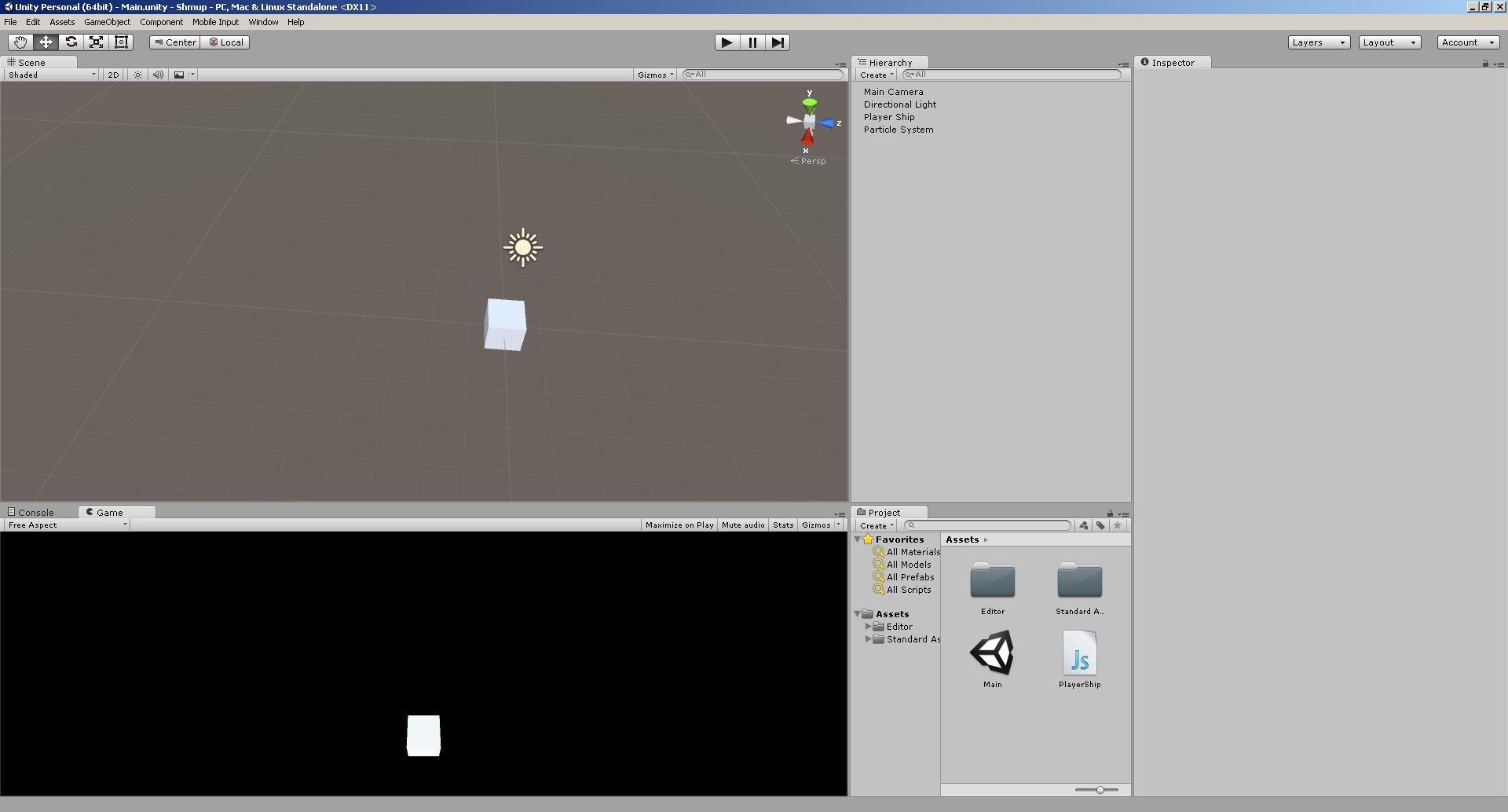
As you can see, all of Unity is visible.
Now after I press play:
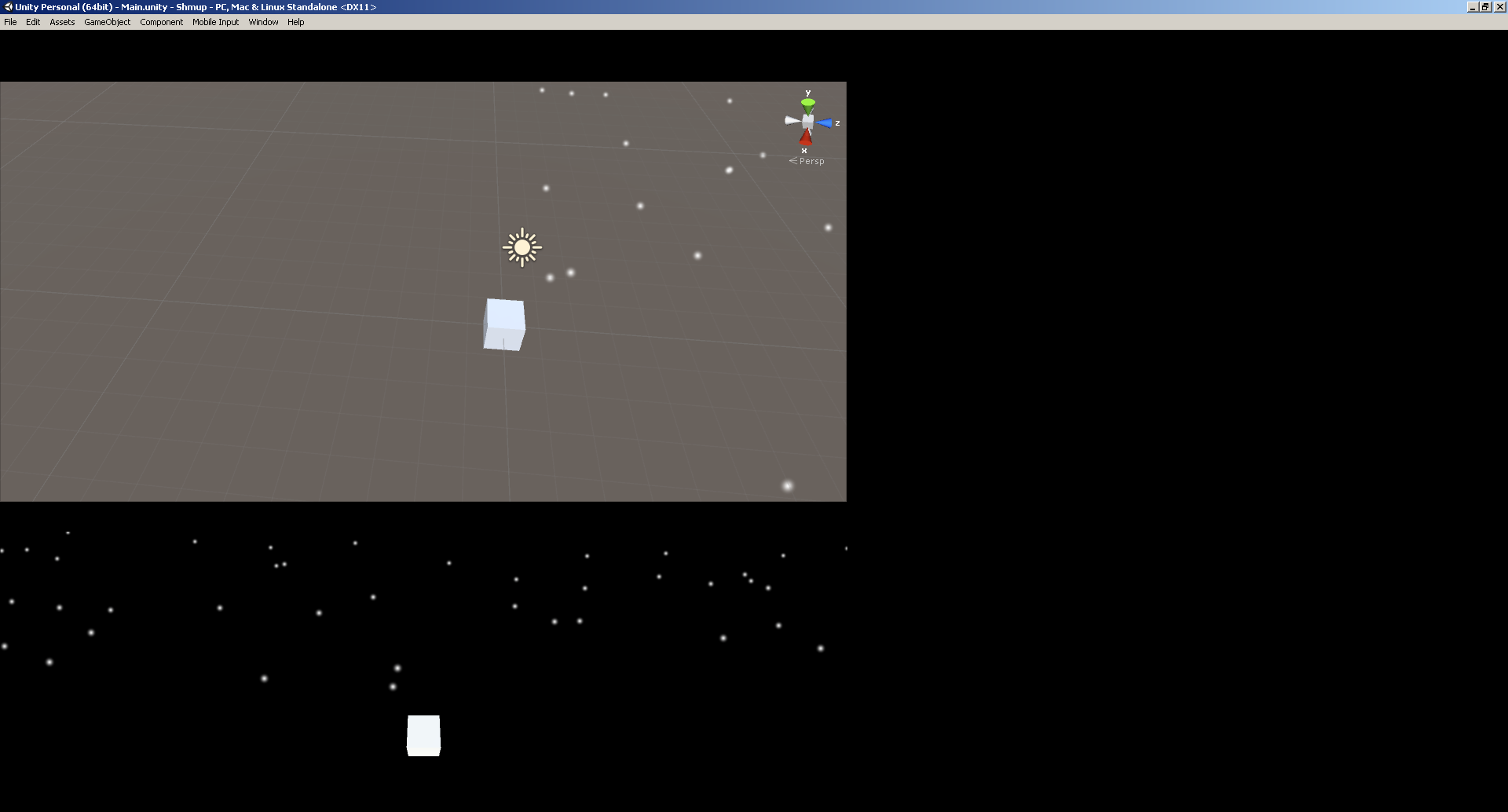
Everything except the Scene view and Game view go black. This happens for all projects (in this one the game is purposefully black-backgrounded), and makes work quite frustrating.
Any help would be appreciated! :)
P.S. this thread seems to have a comment which has the problem like mine. The thread itself isn't about my problem, so it doesn't help in any way.
http://answers.unity3d.com/questions/647540/play-screen-goes-black.html
EDIT
5 minutes after I posted this, I started up the same project, and now even the Scene View screen is blacked out upon pressing play...

What do you expect? Theres nothing in the scene for the light to bounce off.
Click your camera and select your colour there.
Or, you know, use a skybox or something.
As for the editor itself, try disabling dx11 or forcing editor opengl mode. ($$anonymous$$isunderstood first time round I think ;) ).

The black editor might be a result of your playmode tint color being full black. You know that when you hit play everything but the game and scene view gets tinted, so you know that you're in play mode. Go to Preferences > Color and check the tint color ;)

You are absolutely correct sir! I recall dabbling around in those settings in order to set my game background color, and it seems that it was my downfall... ;-;
Thank you again!




