 koobas.hobune.stream


Scene too bright, even in covered areas.
I'm currently creating a level for a simple FPS (I'm pretty new to Unity, starting with the basic stuff), and the design of this level is supposed to be in some kind of dim lit room with lava underneath the floor. This level is imported from Blender, and in the blender render it looked like this
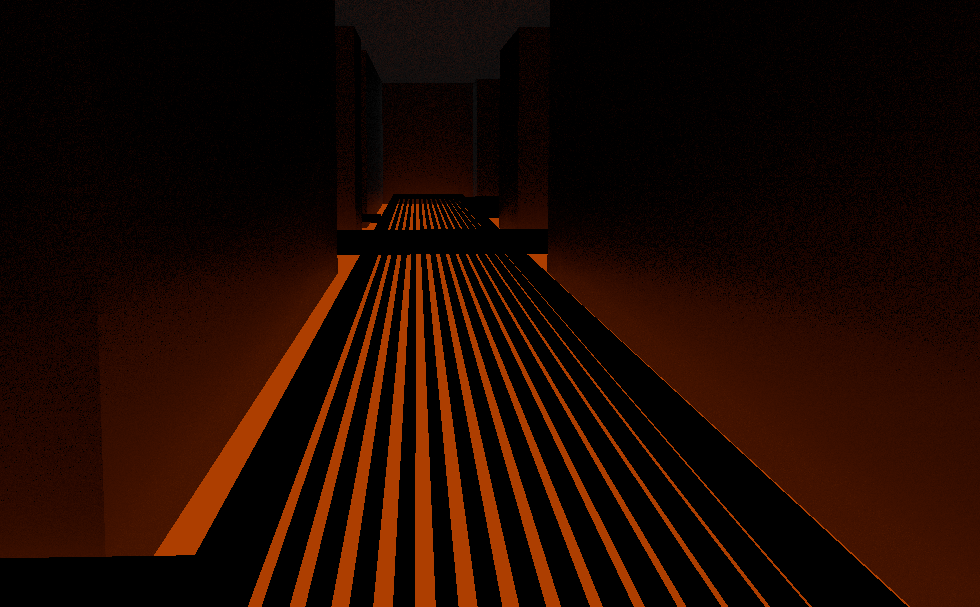
Which is exactly the mood I'm looking for, but when press the play buttin in Unity it looks like this
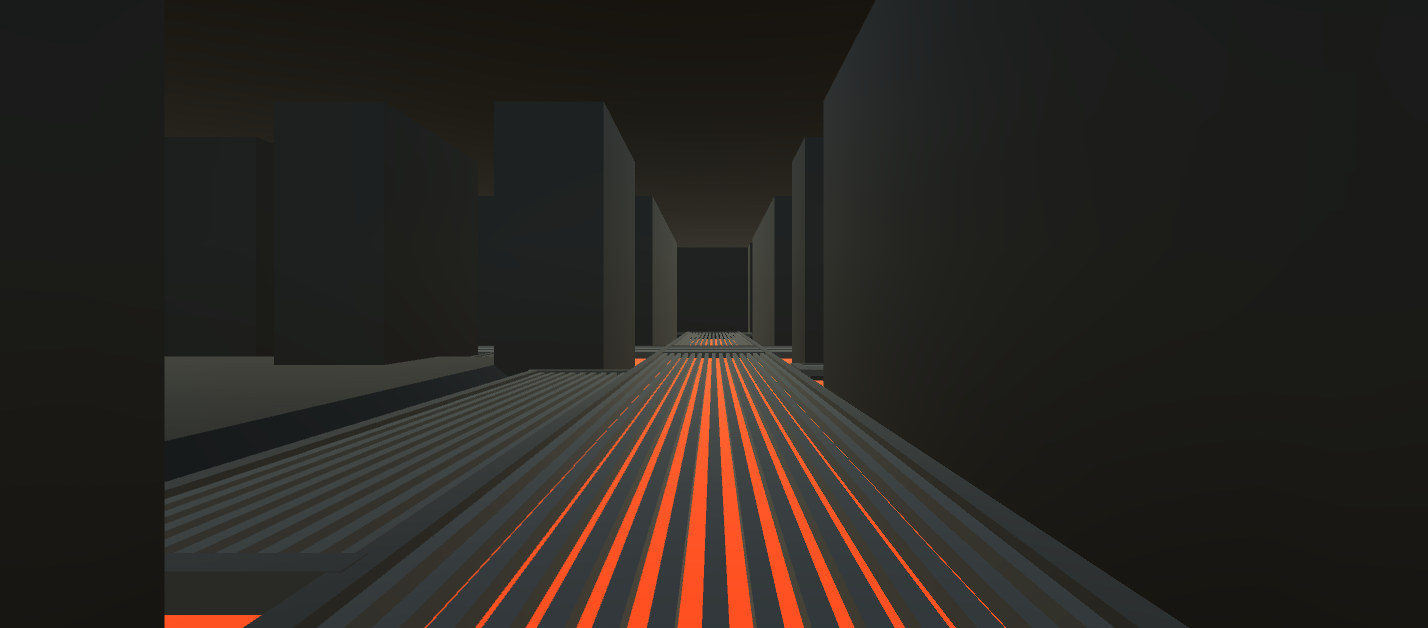
This image is way too plain, and the emission modifier i attached to the lava won't emit light to the walls. And even though the area is enclosed and covered, you can still see that there is an unrealistic amount of brightness in there.
I have no idea if this is because of some scene settings or something, but it has nothing to do with the emission, since I tried turning it down, and there are no other sources of light in there.
This problem has probably occured because I'm not that used to Unity, but I would be happy if someone could help me with this. Thanks.

Lower the Ambient light in the lighting window!

Also you will need to bake the lighting if you want the red emission glow on the walls. Do be aware that you will never get your model in Unity to look exactly the same as in Blender.




